We’re excited to introduce you to our redesigned Model Comparison page
Based on your valuable feedback, we’ve made significant updates to enhance your data analysis experience. This new design adds some cool features that make it easier and faster for you to work with data. Get a closer look at these game-changing innovations that will help you work smarter with data.
New Widgets for Instant Insights
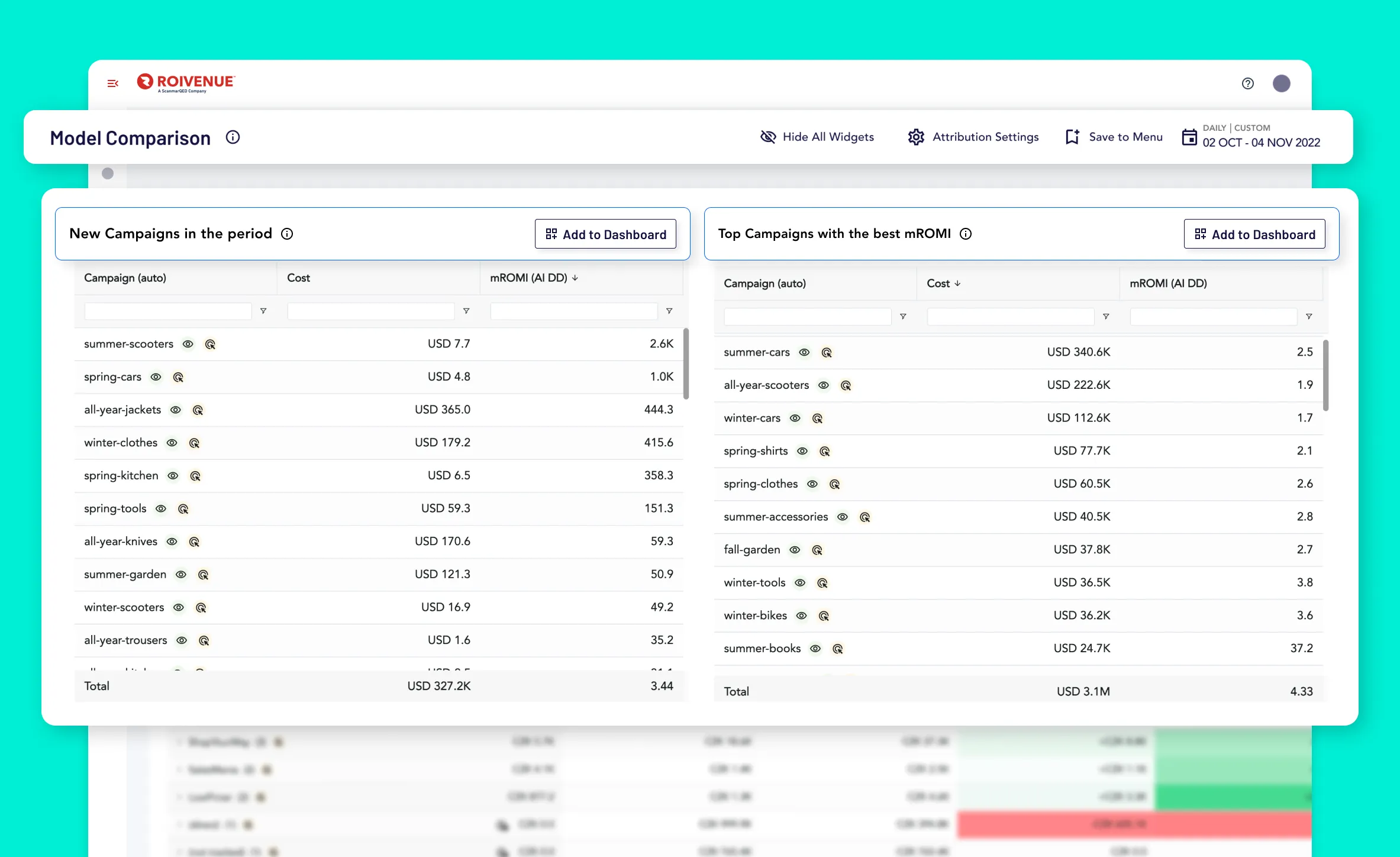
It’s important to be able to understand your data quickly and effortlessly. That’s why we’ve created two new widgets: ‘New Campaigns in this Period’ and ‘Top Campaigns’. These let you see the performance of your campaigns which are new according to the chosen period and the most impactful in terms of mROMI right from your dashboard. You can add them to your dashboard and switch visibility on and off as you need to.
Main Table Improvements: Customization and Clarity
We’ve also made some substantial improvements to our main table, designed to enhance your data analysis experience significantly.
Dimensions
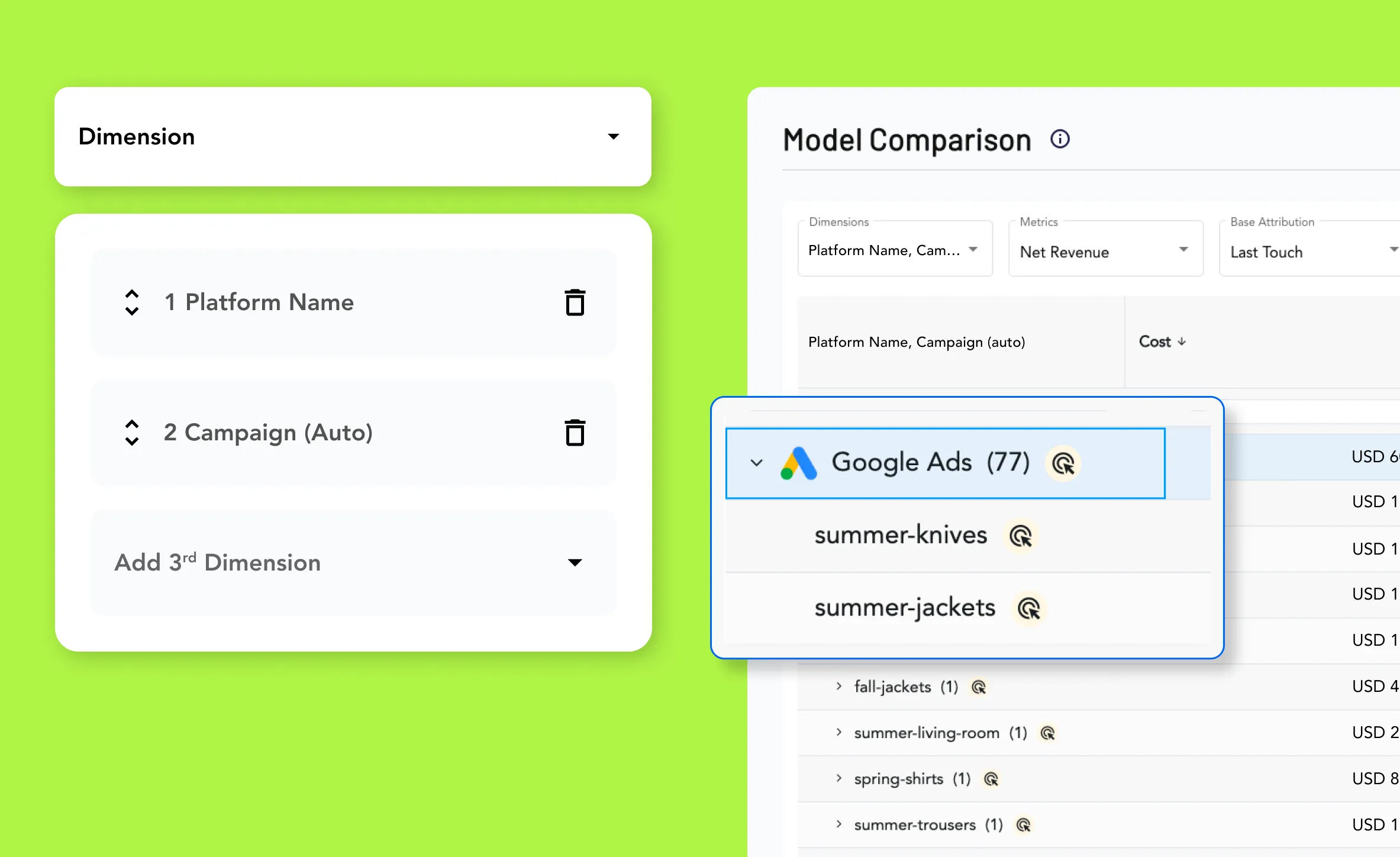
Now, you can choose up to three different dimensions to analyze in a drill-down, all at once! With this update, you can perform a more granular analysis by drilling down into detailed data layers. You can for example compare dimension ‘platform name’ and subdimension ‘product category’ under up to three different attribution models simultaneously. This multi-dimensional analysis allows you to see how various metrics interact across different models and dimensions in one unified view.
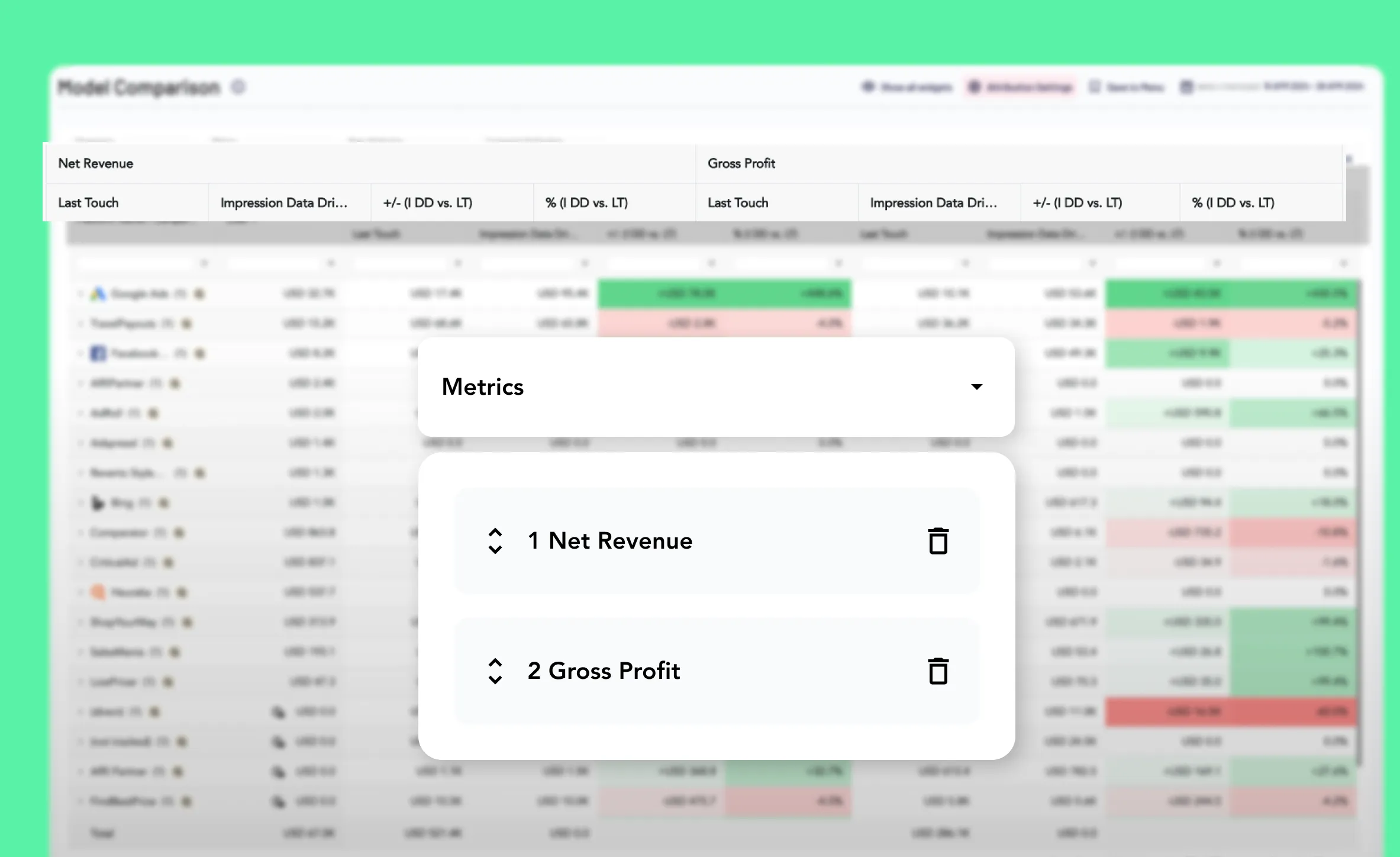
Metrics
Gone are the days of toggling between tabs to compare different metrics. Our updated platform supports the simultaneous display of two metrics, significantly cutting down your analysis time and streamlining your workflow.
Comparisons of Attribution Models and Ad Platforms Report
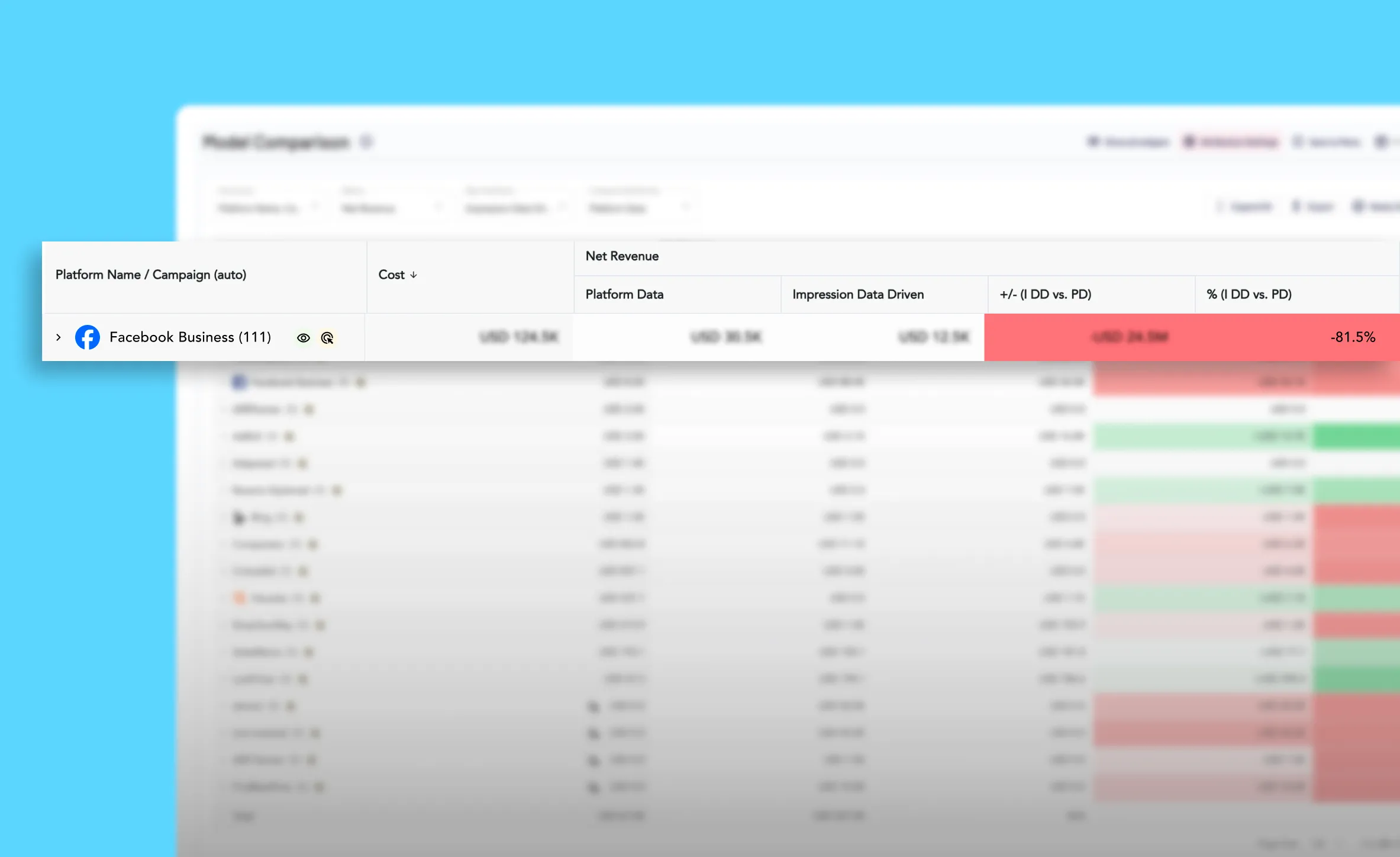
We’ve expanded the number of attribution models available for comparison. With this new feature, you’ll now be able to compare all of your selected dimensions and metrics across three different attribution models. But the main point is that we added a new model called Platform Data so you can now compare performance reported by the ad platforms with any other attribution model. This one-view comparisons offer extensive insight into how platforms over or underestimate their influence.
New Data Insights and Deeper Analysis
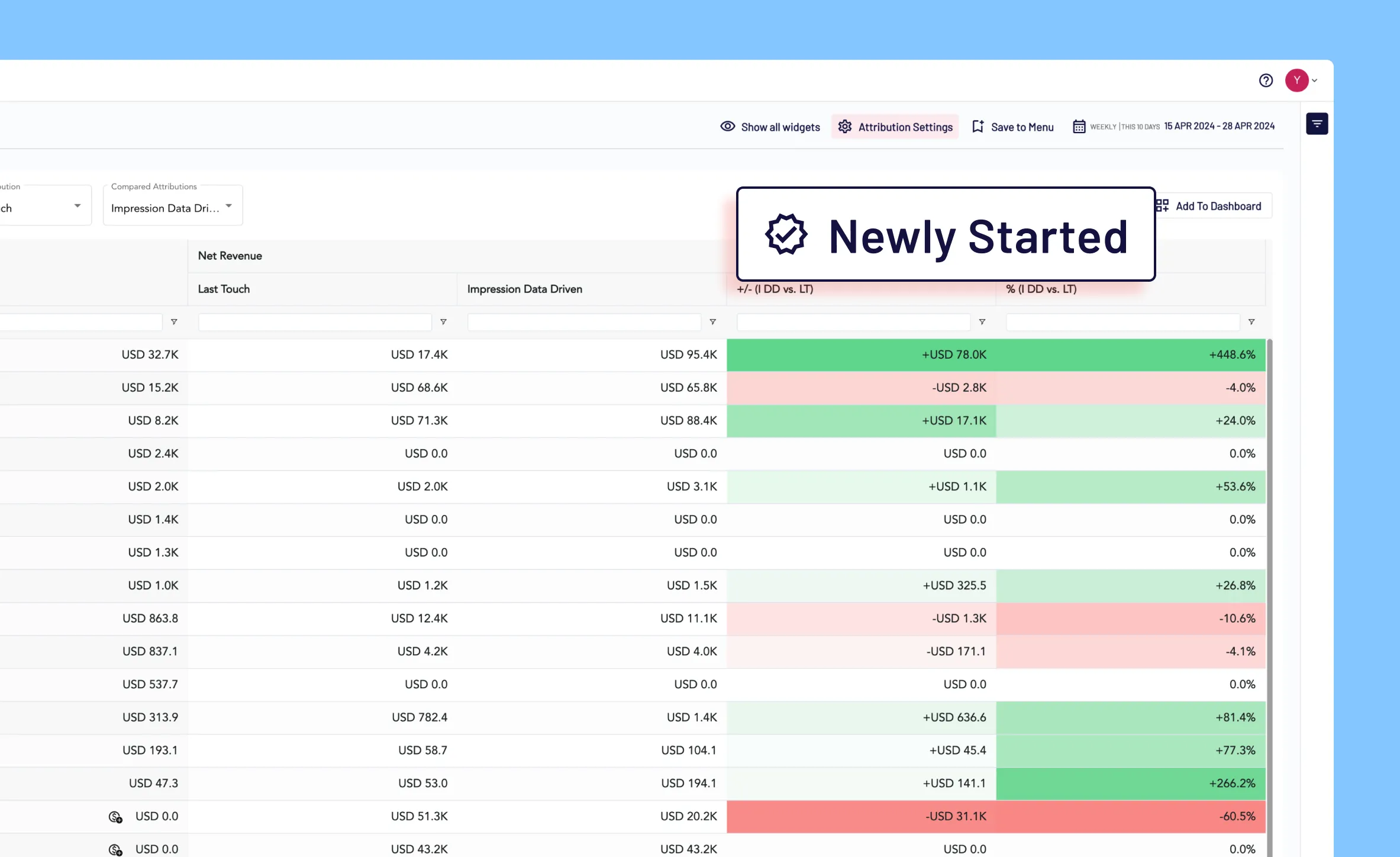
In addition to the new widgets, our platform now offers a ‘Newly Started’ filter within the main table. This feature allows for targeted analysis of the most recent data, helping you fine-tune your strategies and gain deeper insights.
Simplified Export Functionality
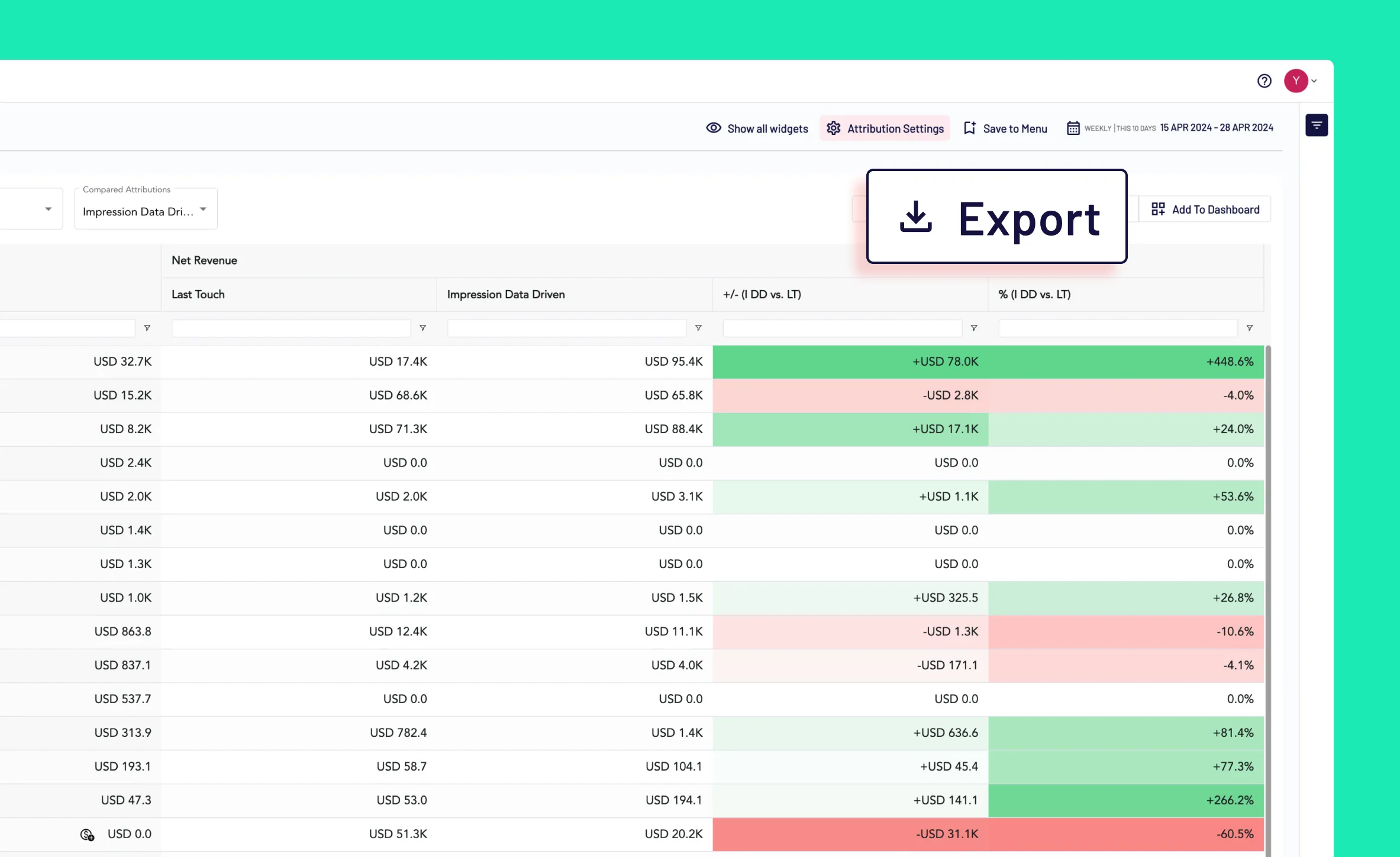
Exporting data is now easier than ever. You can download the entire table as an XLSX document directly to your computer with just one click on the Model Comparison page.
Zero Marketing Investment Solutions
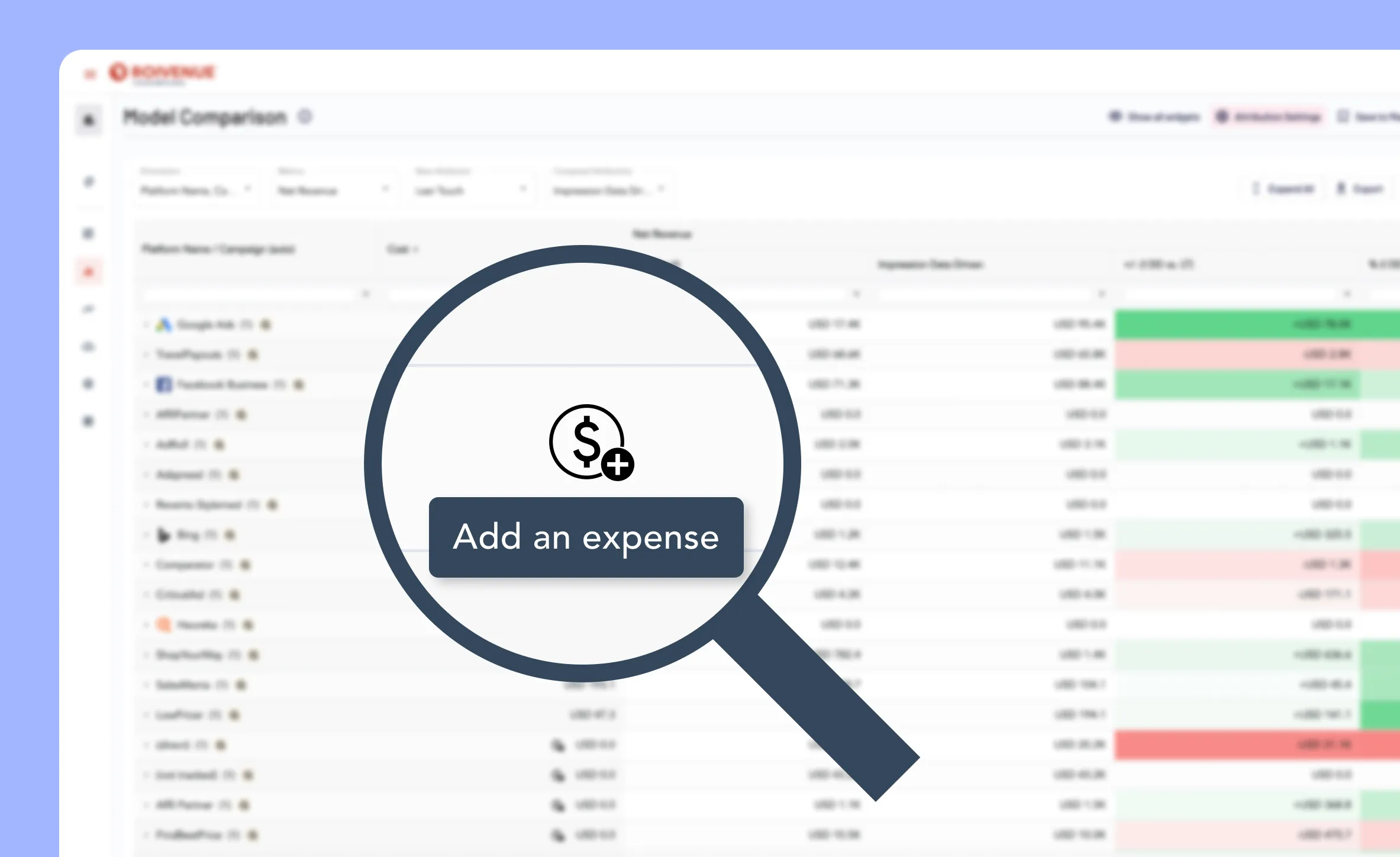
We’ve simplified another process. You can now create a connector or add expenses manually via a button located in the rows where there’s zero marketing investment. This feature ensures that all data is integrated into the app, giving you a complete view of your activities.
Enhanced Table Functionalities
Our table functionalities have been significantly enhanced to give you greater control and customization. You can now filter data, search for specific dimensions, and compare across different columns more effectively within the table. The columns are also adjustable; you can resize, reorder, or pin them to enhance visibility as you scroll.
Explore the new features today and experience a more intuitive, efficient, and insightful way to analyze your data. Welcome to the future of data analysis, where your insights are just a click away.
45 minutes on relevant demo data, with a summary for Finance.